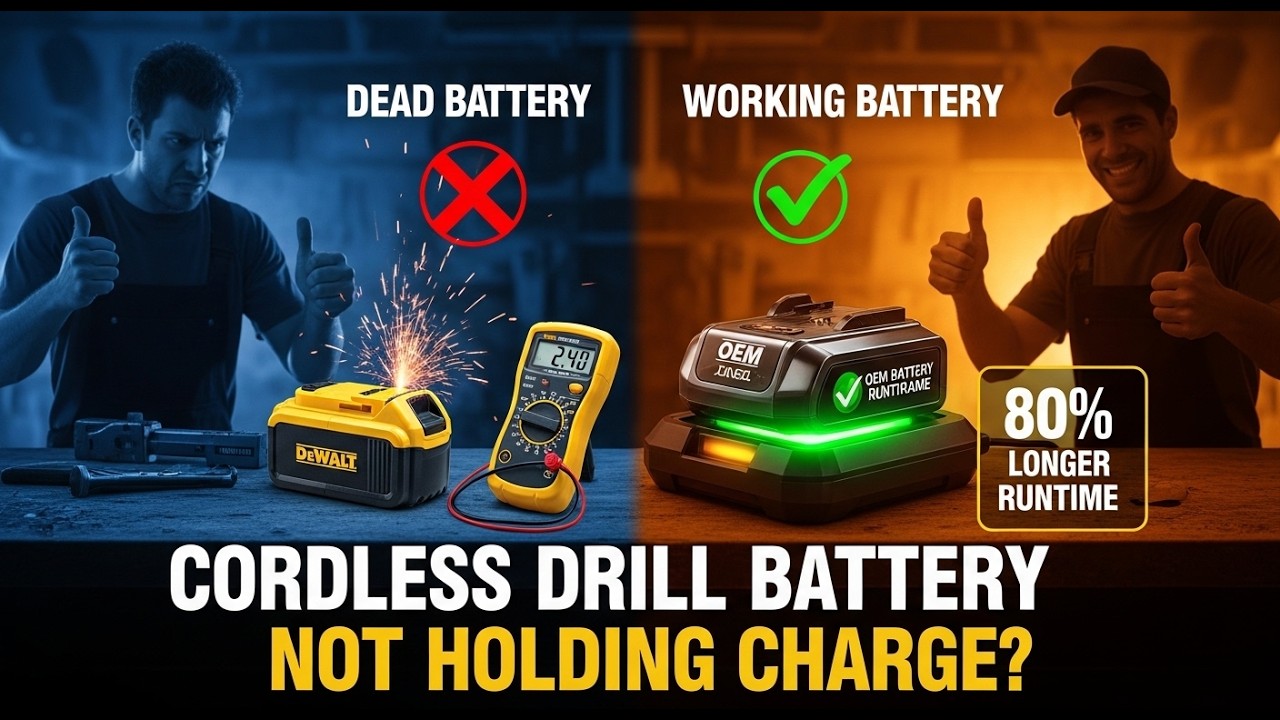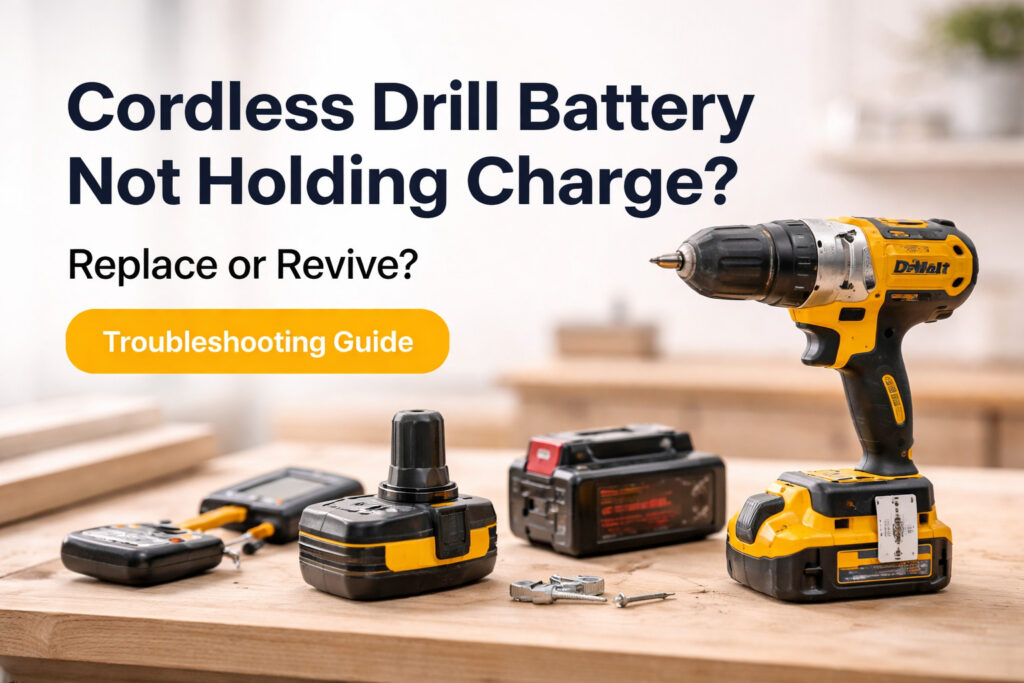
You grab your cordless drill, slap in a freshly charged battery, and head out to the garage to finish a project. After driving just three screws, the drill groans and dies. You check the charger, and it tells you the battery is full. What gives?
A cordless drill battery not holding charge is one of the most frustrating problems you will face in a workshop. It kills your momentum and leaves you wondering if you need to spend your hard-earned money on a replacement pack.
The goal of this guide is simple. I want to help you figure out exactly why your battery is failing, how to safely test it, and whether you should try to revive it or just buy a new one. Let’s cut the guesswork and get your tools running again.
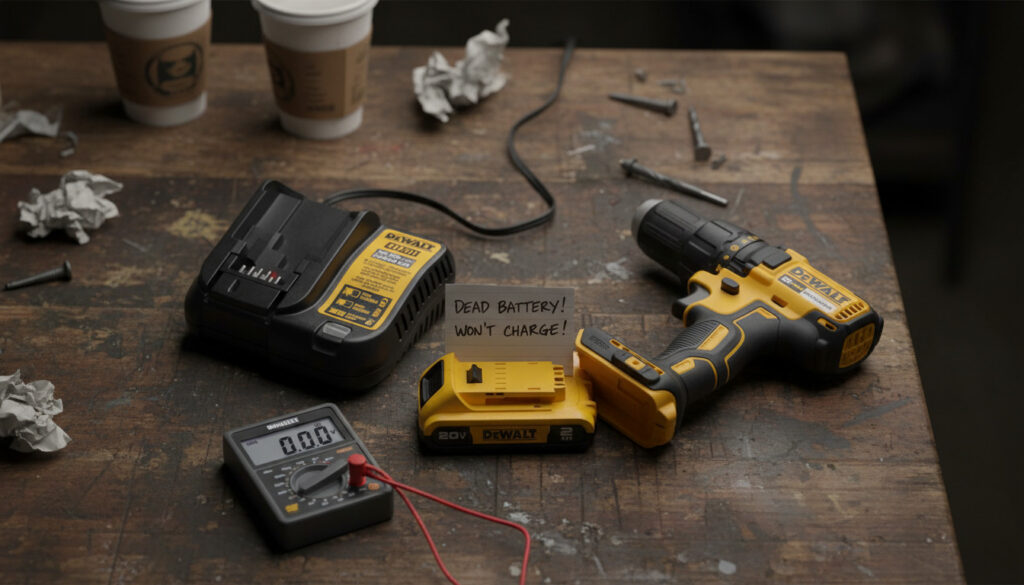
Quick Answer: Replace vs Revive
If the battery is swollen, leaking, or locked out by the charger, replace it. If it is just old, dirty, or sat too long, you can try to revive it first.
Not sure if you should toss it or fix it? Here is a quick rule of thumb to save you time.
Replace your battery if:
- The plastic casing is swollen, cracked, or melted.
- It emits a strange chemical odor or smells like it is burning.
- It is a Lithium-ion (Li-ion) battery that a smart charger permanently locked out.
- The pack is over 3 to 5 years old and has been heavily used.
Try reviving your battery if:
- It looks physically perfect but has been sitting unused in a drawer or on a shelf for months.
- The metal contact terminals are visibly dirty or corroded.
- You are using an older Nickel-Cadmium (NiCd) battery that is suffering from the “memory effect”.
How Cordless Drill Batteries Work (Lite Explanation)
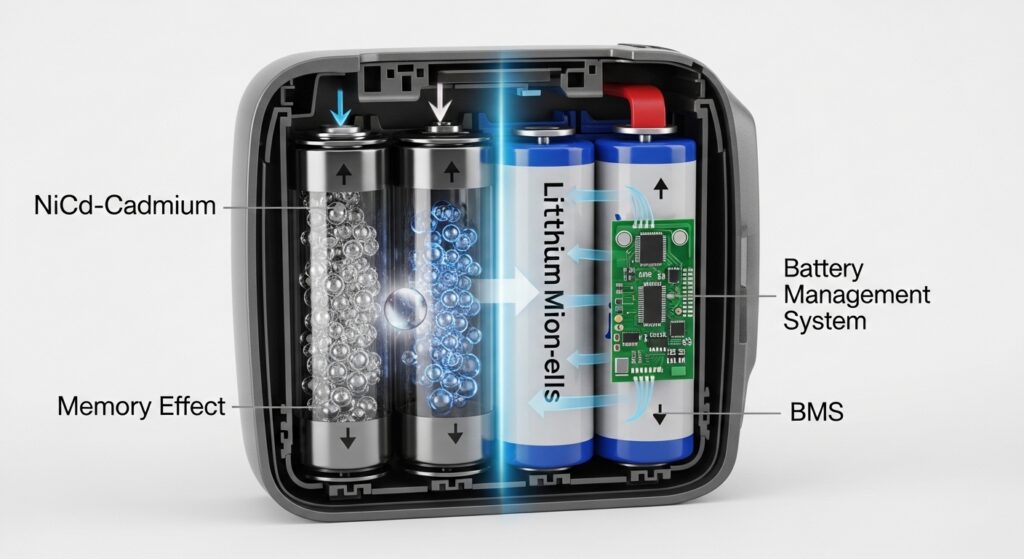
To understand why your battery is acting up, you need to know what is happening inside the plastic shell.
Older cordless tools usually run on Nickel-Cadmium (NiCd) or Nickel-Metal Hydride (NiMH) batteries. These use an alkaline electrolyte. They are tough, but they suffer heavily from a chemical issue called the “memory effect”. If you constantly recharge them before they are fully empty, they “remember” that shortened capacity and stop giving you full power.
Modern tools run almost exclusively on Lithium-ion (Li-ion) batteries. Lithium-ion is the king of the power tool world because it packs a massive amount of energy into a lightweight package and has essentially no memory effect. However, Li-ion batteries are sensitive. They rely on an internal computer called a Battery Management System (BMS) to keep them safe. If a Li-ion battery voltage drops too low, the BMS will literally shut the battery down so it does not catch fire.
This guide applies to most popular cordless drill platforms like DeWalt, Makita, Milwaukee, Ryobi, and Bosch.
Common Signs Your Battery Is Failing
It is important to know the difference between normal tool wear and a battery that is actually dying.
Here are the most common symptoms of a failing battery pack:
- The “Fake” Full Charge: The battery charges in five minutes, the charger says it is full, but it dies under a heavy load almost instantly.
- The Error Light: You plug it in, and the charger flashes an angry error code. For example, a Makita charger flashing red and green often means the battery is defective and locked out. A DeWalt charger flashing red rapidly usually indicates a bad pack.
- Temperature Sensitivity: The battery works fine in your heated house but dies immediately in your cold garage.
- Physical Warning Signs: The battery case is bulging, or it gets incredibly hot to the touch during a light drilling task.
First Step: Make Sure It’s Not the Drill or Charger
Before you blame the battery, you need to make sure your drill and your charger are actually working. I have seen plenty of people throw away perfectly good batteries when the charger was actually the culprit.
First, try sliding the suspect battery into a different tool on the same brand platform. If it powers a cordless saw just fine, your drill is the problem. Drills have carbon brushes inside their motors that eventually wear out. When brushes wear down, the drill will stutter, lose power, or spark, making you think the battery is dead.
Next, check the charger. Try charging a known-good battery on it. If the good battery will not charge either, your charger might have a blown fuse, a bad power cord, or dirty contacts.
Why Cordless Drill Batteries Stop Holding Charge
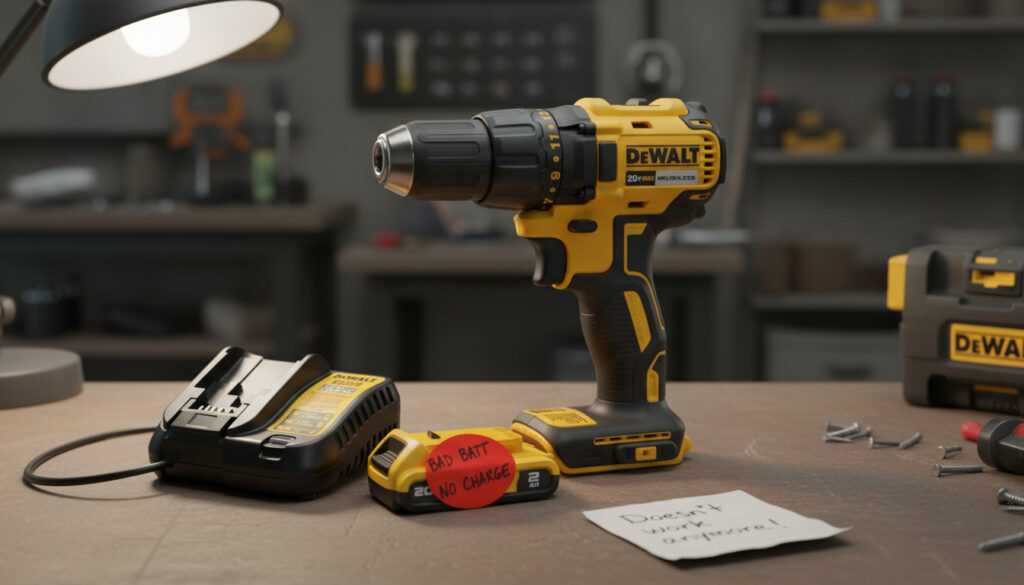
Batteries fail for different reasons depending on their chemical makeup, but a few problems are common across all types.
Generic Causes (All Batteries)
Every battery has a limited lifespan, usually measured in charge cycles. A standard lithium-ion tool battery is typically good for around 300 to 500 charge cycles, which often translates to a couple of years of regular use, depending on the brand and how hard you push the tool. Once you hit that limit, the internal cells simply cannot hold energy anymore. Extreme heat and freezing temperatures will also permanently degrade the battery cells over time.
NiCd and NiMH Issues
If you have an older NiCd battery, it likely suffers from crystalline formation. Over time, cadmium-hydroxide crystals inside the battery grow from a microscopic 1 micron in size up to 50 or 100 microns. These jagged crystals block the flow of electricity and increase the battery’s internal resistance. The battery might read as fully charged on a multimeter, but the moment you pull the drill trigger, the voltage sags and the tool dies.
Lithium-Ion Issues
Lithium-ion batteries hate being completely drained. If a Li-ion pack drops below about 2.5 volts per cell, the copper inside the battery can actually start dissolving into the electrolyte fluid. If you try to recharge it after this happens, it can create internal short circuits that lead to thermal runaway (explosions and fires). To stop this, the Battery Management System (BMS) will usually lock the battery out. This is why your charger flashes an error light and refuses to push power into the pack.
Safe Checks Before You Try to Revive
Before you try to fix a dead cordless drill battery, you need to perform a strict visual inspection. Lithium-ion batteries contain highly flammable solvents, and messing with a damaged pack is a fast track to a garage fire.
Use this safety checklist:
- Look for any swelling, bulging, or cracking on the plastic case.
- Check for dark scorch marks or melted plastic around the metal terminals.
- Sniff the battery. If you smell a sweet, chemical odor, the cells are venting toxic gas.
If you see any of these red flags, stop immediately. Do not attempt to revive the battery. Tape over the metal terminals and take it to a battery recycling drop-off.
When Reviving Makes Sense
You should not try to revive every dead battery, but there are a few scenarios where it is totally reasonable to try.
- If your battery looks physically pristine but has just been sitting on a shelf for a year, it might just be in a deep-sleep mode.
- If the metal contacts are covered in sawdust, grease, or corrosion, a simple cleaning might bring it back to life.
- If you are using old-school NiCd batteries, you can often break up those internal crystals and get a few more months of use out of the pack.
DIY “Revive” Methods (Low-Risk Approaches Only)
If your cordless drill battery passes the safety check, here are a few practical, low-risk ways to get it working again. Proceed at your own risk and stay within your comfort level.
Clean Contacts and Reseat the Pack
Power tools live in dirty environments. Dust, moisture, and grime can build up on the metal battery terminals and block the electrical connection.
Grab a cotton swab or an old toothbrush and dip it in 70% to 99% isopropyl alcohol. Gently scrub the metal contacts on both the battery and the charger. Isopropyl alcohol cuts through grease and oxidation, and it evaporates quickly without leaving a conductive residue. Let it dry completely, firmly snap the battery into the charger, and see if it works.
Calibrate an Older NiCd / NiMH Pack
If your older NiCd battery is suffering from the memory effect, you can try to recondition it. Fully charge the battery, put it in your drill, and tape the trigger down. Let the drill run under no load until the battery is completely dead and the chuck stops spinning. Do not leave it running unattended, and stop if the pack gets excessively hot. Let the battery cool down to room temperature, and then put it back on the charger for a full cycle. This deep discharge can help break up resistant crystalline formations.

- Dual Port Charging: Efficiently charges two batteries simultaneously for Dewalt 12V-20V tools, saving you time and ensuring your tools are always ready for use.
- Wide Compatibility: Designed to be compatible with a range of batteries for Dewalt tools, including 12V, 14.4V, 18V, and 20V MAX models, making it a versatile addition to your tool kit.
- Fast Charging Technology: Equipped with advanced fast charging technology to reduce downtime and increase productivity, ensuring your batteries for Dewalt tools are charged quickly and efficiently.
- Safety Features: Built-in safety mechanisms protect against overcharging, overheating, and short-circuiting, ensuring safe and reliable operation for Dewalt batteries.
- Durable and Compact Design: Sturdy construction ensures long-lasting durability, while the compact design makes it easy to carry and store, perfect for both job sites and workshops using Dewalt tools.
Wake Up a Li-ion Pack That Sat Too Long
If a Li-ion battery sits too long, its voltage drops and the charger will not recognize it. Some high-end smart chargers have a built-in recovery mode. When you plug the battery in, the charger will apply a very low-current “trickle charge” to safely wake the BMS back up.
You may see online tutorials telling you to “jumpstart” a dead Li-ion battery by connecting it directly to a good battery with jumper wires. Do not do this with Lithium-ion. Bypassing the BMS safety limits forces raw, unregulated current into a degraded cell, which can instantly cause a fire. Only use manufacturer-approved chargers to wake up a sleeping battery. If that does not work, it is safer to replace the pack or have a professional battery shop evaluate it instead of experimenting at home.
Clear Triggers: Time to Replace, Not Revive
Sometimes, you just have to accept defeat. Knowing when to throw in the towel keeps you safe and saves you time.
Safety Red Flags (Immediate Replacement)
- If your battery gets painfully hot while charging, leaks fluid, or makes a popping or hissing sound, it is experiencing a catastrophic internal failure. Unplug it immediately and move it outside to a non-flammable surface.
- If a smart charger repeatedly flashes a “defective pack” error (like the alternating red/green on a Milwaukee M18), trust the charger. The BMS has detected a dangerous cell imbalance, and the battery is effectively dead.
Performance and Cost-Based Flags
- If your battery only gives you three minutes of run time, the internal cells are permanently worn out. You cannot reverse chemical aging.
- If a replacement battery is reasonably priced, it is simply not worth the hassle of trying to take apart a battery pack and solder in new raw cells yourself, which is both dangerous and time-consuming.
Choosing a Replacement Battery Pack
When you finally decide to buy a new battery, you have to choose between an Original Equipment Manufacturer (OEM) battery or a cheaper third-party knockoff.
OEM Batteries (DeWalt, Milwaukee, Makita, etc.)
OEM batteries are expensive, but they are usually built with premium cells (from brands like Samsung or LG) and have sophisticated thermal sensors and electronics that talk directly to your specific tool. They offer predictable performance, proper safety protections, exact voltage matching, and solid warranties.

- Reliable runtime - take on tough jobs with these batteries that deliver 3ah capacity each for consistent runtime on the jobsite.
- State-of-charge - get quick visibility to your batteries' state-of-charge with the LED indicator to help avoid interruptions.
- Part of the 20V MAX* system - these batteries are compatible with 20V MAX* tools and chargers.

- Extended Runtime: Up to 2.5X longer than standard lithium
- Enhanced Power: Up to 20% more than standard lithium
- Longevity: Outperforms other 18v 5.0Ah packs in lifespan
- Durable Design: Resistant housing shields against oils, greases, and solvents
- Weather-Resistant Performance: Consistent power in harsh conditions

- ✅💯🔋【Wide Compatibility】Moticett replacement for Dewalt 20v max battery is compatible with Dewalt battery 20 volt DCB205-2 DCB203 DCB203-2 DCB201 DCB204 DCB206 DCB207 DCB200 DCB180 DCB201-2, DCD/DCF/DCG/DCS series power tools. Also it is compatible with Dewalt 20v battery DCB107 / DCB115 / DCB118 / DCB104 charger.
- ✅💯🔋【Battery Protection】Moticett replacement for Dewalt 20 volt battery, built-in protection against overcharging, over discharge, over current, provides short circuit protection and steady voltage circuit. No memory effect, can be charged or discharged as needed without loss of capacity. Also built-in LED indicator to to help you track power usage.
- ✅💯🔋【High Capacity】The replacement for dewalt 20v max battery has 3000mAh-6000mAh higher capacity, quickly charged, long running time, power your tools. Perfect replacement for the original dewalt 20v battery.
- ✅💯🔋【High Quality】Moticett replacement for dewalt battery 20v is made of ABS material with exceptional durability and resistance to impact-resistance. Moticett replacement for dewalt 20v max battery are CE/RoHS certified.
- ☎️Guarantee - Within 30 days of purchase, we offer a no-questions-asked replacement or full refund guarantee, 360 Days Warranty Guaranteed by the Manufacturer.

- Integrated L.E.D. battery charge level indicator allows user to monitor battery charge
- Provides up to 35% more run time per charge compared to BL1830
- Reaches full charge in 40 minutes or less
- Compatible only with Star Protection tools, indicated by the Star Symbol and/or Yellow Battery Receiver under the tool
- Battery delivers consistent power and run time in extreme temperatures, even in winter (-4°F/-20°C)
Third-Party Batteries
Aftermarket batteries can save you 30% to 60% off the sticker price. However, you have to be careful. Extremely cheap knockoffs often use recycled cells, lack proper safety circuitry, and lie about their amp-hour (Ah) capacity. If you go this route, only buy from highly rated, certified sellers and check real user reviews, not just the product description.
A Warning on Adapters
You can buy plastic adapters that let you slide a DeWalt battery onto a Milwaukee tool or mix other platforms. While these are cheap and convenient, they bypass some of the digital communication between the tool and the battery. This means the tool may not correctly monitor temperature or shut down for over-discharge, which can permanently destroy your battery and void your warranty.
How to Make Your New Battery Last Longer
Once you buy a new cordless drill battery, a few simple habits will keep it out of the trash bin for years.
- Store them properly: Keep your batteries in a cool, dry place. Never leave them baking in a hot truck during the summer or freezing in an uninsulated garage in the winter. Extreme temperatures destroy lithium cells.
- Do not drain them to zero: With Lithium-ion, you should avoid running the tool until it completely dies. Swap the battery out when it drops down to one bar or roughly 20% capacity.
- Store at a partial charge: If you are putting a Li-ion battery away for the winter, do not store it at 100% or 0%. Store it at roughly 40% to 60% capacity to reduce stress on the internal chemistry.
- Let them cool before charging: If the battery is hot after heavy use, let it cool down to room temperature before putting it on the charger.
- Rotate multiple batteries: If you own several packs, rotate them so one battery does not take all the abuse while others sit.
FAQs: Cordless Drill Battery Not Holding Charge
Why does my drill battery say charged but dies in seconds?
This usually means the battery has reached the end of its life cycle and suffers from high internal resistance. The charger reads the surface voltage as “full,” but the battery has no actual capacity left to push amps into the drill under load.
Can you revive a completely dead drill battery?
If it is an older NiCd battery, you can sometimes deep-cycle it or clean the contacts and see improvement. If it is a modern Lithium-ion battery that has dropped below about 2.5 volts per cell and the internal safety board (BMS) has locked it out, it generally should not be revived at home. In that case, it is safer to replace the pack or consult a professional battery repair service.
Is it worth replacing an old drill battery or just buying a new drill?
If your drill is brushed, heavily worn, and over 5 years old, it might be more cost-effective to buy a modern brushless drill kit that includes two new batteries. If the tool is in great shape and you like how it performs, just replace the battery.
Is it safe to store drill batteries in the garage?
It is safe only if your garage is reasonably climate-controlled. Storing batteries in freezing temperatures causes the battery casing to become brittle and slows down the chemical reactions, while extreme summer heat permanently degrades the lithium cells. Ideally, keep them indoors between about 50°F and 80°F.
Conclusion
A cordless drill battery not holding charge is an annoying roadblock, but diagnosing it does not have to be a mystery. Start by cleaning your contacts, checking your charger, and letting the battery warm up to room temperature.
If you are dealing with a swollen, locked-out, or heavily aged lithium-ion pack, do the smart thing: skip the risky DIY hacks, recycle the old pack, and invest in a quality replacement. Treat your new batteries right by keeping them out of extreme weather, avoiding full deep discharges, and storing them with a partial charge, and they will easily give you years of reliable power.